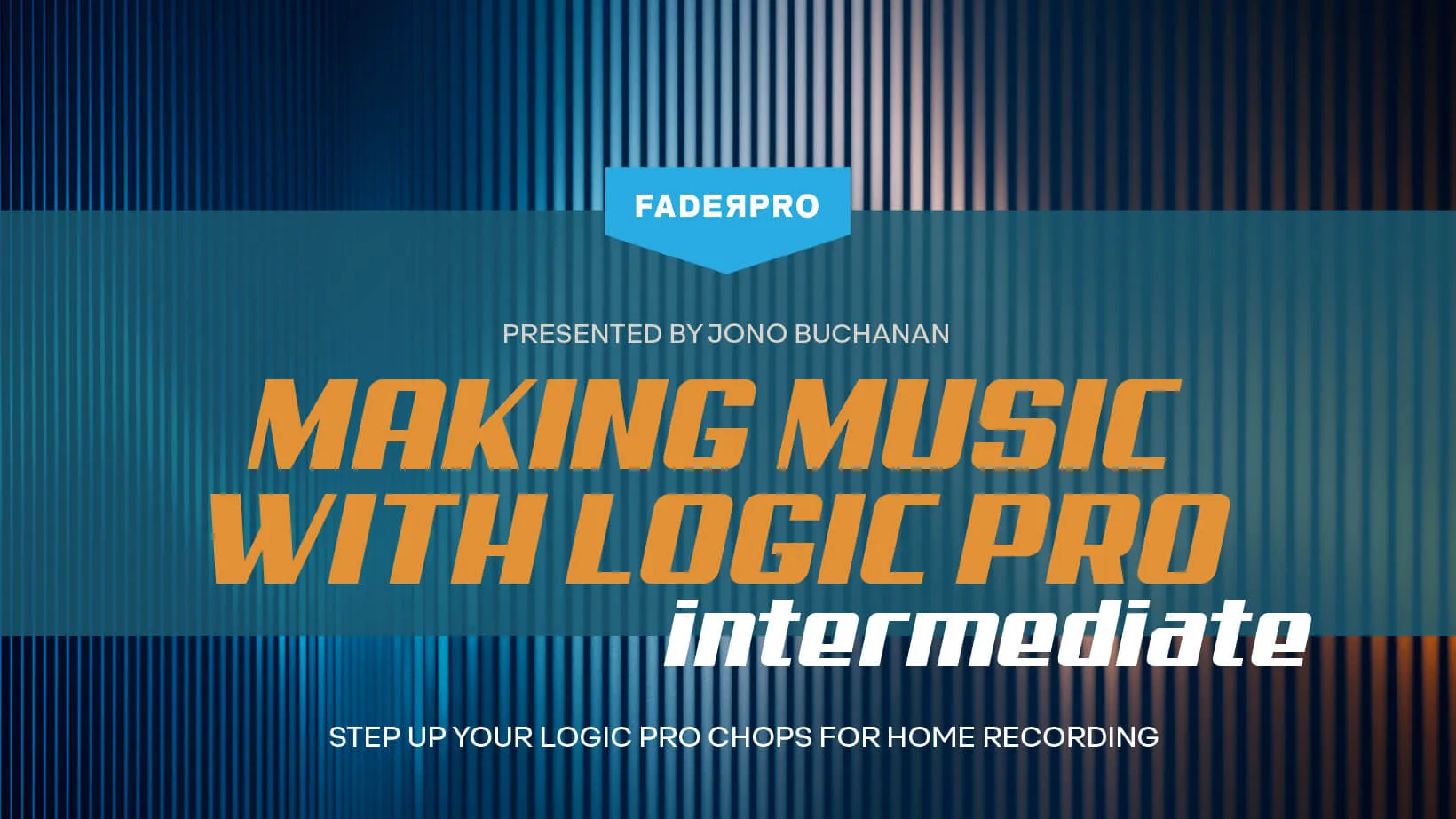
Continue your Logic Pro journey with certified instructor Jono Buchanan, and discover the full potential of Apple’s popular digital audio workstation. Over the course of this deep dive into every corner of the software, you’ll learn the most efficient and effective ways of using Logic Pro, whether you want to adopt a professional workflow, master its software instruments, record and work with audio and MIDI, upgrade your signal processing skills, or start finishing your mixes once and for all.
With Logic Pro, you can turn your Mac into a professional recording studio able to handle all manner of music-making tasks. Within the software you’ll find powerful creative tools for professional songwriting, beat-making, editing and mixing, along with a massive collection of plugins and sounds to fuel your creativity. The possibilities for creating, arranging and capturing music in Logic Pro are endless, which is why a guiding hand to focus your learning journey is crucial.
As the second course in a series delivered by Apple-certified instructor Jono Buchanan, Making Music with Logic Pro: Level 2 is perfect for those who have a good understanding of music production but want to get an insight into all corners of the Logic Pro landscape. If you’re totally new to all of this and want to build your knowledge of production fundamentals within Logic Pro from the ground up, consider taking the Making Music with Logic Pro: Beginner course first.
Under Jono’s experienced guidance you’ll be shown the inner workings of Logic Pro and given insight into how to make it work for you, and not against you. You’ll learn session skills for a more efficient workflow, explore audio manipulation and MIDI sequencing techniques, as well as getting focused tutorials on Logic’s array of versatile software instruments, drum programming tools, effects processors and other devices.
Music production has become a DAW-centric medium over the last ten years or so, and knowing the ins and outs of the software you use means you’re better able to bring your ideas to life. While this is a course that focuses on Logic Pro, you’ll find much of the concepts shared throughout the course is transferable to other music software interfaces, meaning you’ll find your overall understanding of general production workflows improves as a result.
All in all, there are an astounding 108 chapters packed full of unmissable insights in this course, split into easily digestible sections which you can progress through at your own pace. Each chapter covers techniques and tools that are clearly displayed in an actual Logic Pro session, and you’ll hear every bit of the audio examples that result.
Once you’ve finished, you can put your new skills to work immediately, and we’re betting your next Logic Pro session will be your best one yet!
What you'll learn
Comprehensive understanding of all Logic Pro instruments
Detailed knowledge of all Logic Pro effects plugins
Expanded workflow techniques beyond current knowledge base
New approaches to sound design and music creation
Learn to select appropriate templates for different musical styles
I'm Jono Buchanan, and welcome to Fader Pros' Making Music with Logic Pro Intermediate Course. The truth is, it's almost impossible to know everything about Logic, and most of us develop a workflow where we become familiar with a set of controls that allow us to produce the records we want. However, deep down, we know that Logic has hidden nooks and crannies, unexplored techniques and tools that we've yet to discover. This course aims to illuminate these aspects. There are practically no limits to what you'll learn in this course. To begin with, I'll take you on a comprehensive tour of every single one of Logic's instruments and effects. You'll learn, parameter by parameter, what Logic is capable of when it comes to creating and shaping sounds within your mix. If you've been using Logic for a while, chances are you already have a workflow that works for you. You probably have a good understanding of some of the plugins. However, this course will enable you to significantly expand your knowledge beyond your current foundation. You'll uncover new features and approaches to music-making that you didn't even know were possible. What we'll discover is that Logic offers an abundance of possibilities. Whether you have a specific sound in mind that you want to process or if you're eager to explore new ways of conjuring sounds out of thin air, this course is designed for you. We'll find that from the simplest ideas to the most sophisticated ones, we can embark on brand new sound journeys.
In this lesson, we will cover the value of templates in music production, specifically using Apple's Logic Pro. When launching a new project in Logic Pro, the default settings are always the same, with a tempo of 120 beats per minute and an empty track. However, many musicians have certain tools or sounds they frequently use, such as a piano for singer-songwriters or a faster tempo for drum bass producers. Rather than manually setting these up every time, it would be more efficient to use a template where your preferred settings are already in place. We will explore the pre-configured templates provided by Apple within Logic Pro, and then learn how to build a custom template to suit your specific needs. This way, you can save precious time and start your music production with a collection of sounds and settings tailored to your workflow.
In this lesson, you will learn about the importance and process of creating customized templates in Logic Pro. While Logic Pro's default templates can be a good starting point for music production, they may not cater to everyone's needs. Your musical requirements might be different, or you might need a more specific or complex template, such as ones used by media composers that include every orchestral instrument they might need, already set up and ready to use. Having a tailored template can expedite your creative process. We will go through the process of building a custom template, starting from an empty project and adding elements according to your musical style and preferences. For instance, if you're a singer-songwriter, you might want to start your template with a piano track. This lesson will guide you on how to define and label your custom instruments in your template.
In this lesson, we will cover the integration and use of control surfaces in Logic Pro. There is a wide variety of third-party control surfaces that can be used with Logic, each with their own installation process. Whether these surfaces operate via USB, wirelessly, or other connectors, it's crucial to follow the provided instructions to ensure synchronization with Logic. While we could discuss numerous control surfaces, we will focus on Logic's own remote control, available for both iPad and iPhone. This tool allows you to control different functions within Logic remotely, such as running the step sequencer, manipulating smart controls, and managing key mixer controls. With this virtual mixer, you can manipulate parameters like adjusting volume, thus offering flexibility and ease in music production.
In this lesson, we will cover advanced workflow options in Logic Pro, focusing on the customization of the control bar. We already familiarized ourselves with the Logic interface, the workspace, and features such as the browser and loop options during the beginners' course. The control bar, located at the top of the interface, includes transport controls like record, play, and stop buttons, reminiscent of traditional tape and reel-to-reel machines. There are also tools and browser buttons for accessing features like the mixer, smart controls, and editors. To enhance your workflow, Logic Pro allows you to personalize the control bar and display. By pressing control and clicking on any area within the control bar, you can customize it according to your specific needs, which we will explore in this lesson.
In this lesson, we will cover the customization of tracks in Logic Pro, which extends the software's adaptability beyond the control bar and toolbar. Every track in your project can be tailored to your needs, displaying specific pieces of information and controls. For instance, we'll explore a beat track, where a simple control-click opens up the 'track header components'. These components include elements such as track name, icon, mute and solo buttons, record light, volume control, and pan dial. Each is indicated with a tick when activated. There are many more options that are not activated by default, and we will dive into how you can customize these components to suit your workflow and project needs.
In this lesson, we will cover the use of Live Loops in Logic Pro, which allows for a non-linear approach to music creation. Unlike the traditional left-to-right, track-by-track method of building an arrangement, Live Loops utilizes a grid system. Here, you can manipulate individual clips of audio files or MIDI data, improvising an arrangement in a non-sequential way. To familiarize yourself with Live Loops, it's beneficial to start with one of the preset starter grids. These grids represent various musical styles, giving you an idea of the possibilities with Live Loops. When you first start working with Live Loops, Logic may prompt you to download the necessary content for your session, ensuring you have access to all loop browser content and individual sounds needed.
Very comprehensive course on what is available in Logic Pro
This course is a great follow-up to the beginner Logic Pro course from FaderPro. I found it to be very comprehensive and makes a good reference resource which I can use if I need to learn more about what is possible with a specific plugin, effect, software instrument, etc.
T
tedmann1
Verified buyer
09/03/25
Jono is the best!
I love Jono’s teaching style. He is very methodical.
R
ROGERZ
Verified buyer
12/27/24
Insightful
Jono Buchanan leads you through a very insightful lesson on Logic Pro. Covered way more than you can find on YouTube.
O
Owen
05/31/24
Fantastic
Absolutely love the synth part, very helpful. All of it has been great so far!