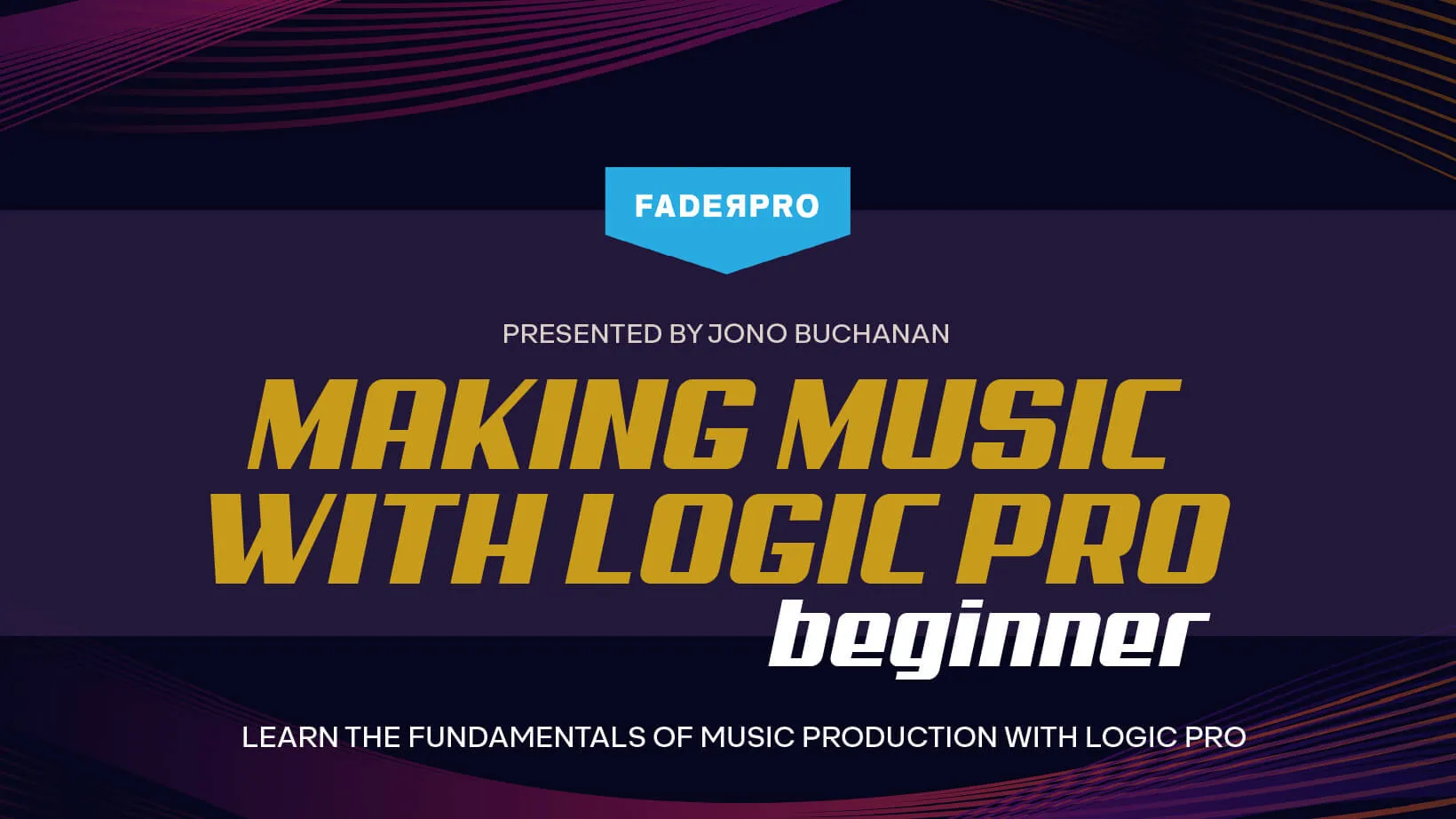
Produced by FaderPro, our sister TrueFire Studios’ company, master producer Jono Buchanan’s Making Music with Logic Pro: Beginner Edition is a superb crash course for musicians eager to learn the fundamentals of music production for home recording. Put those thick books on the shelf and let Jono guide you through all of the essentials to get you up, running and recording quicker than you could imagine.
Learn Logic Pro with certified instructor Jono Buchanan as he gives you a complete introduction to Apple’s flagship audio recording and music production software. Over the course of this three and a half hour Logic Pro tutorial, you’ll get a crash course in the fundamentals of the popular digital audio workstation, giving you all the knowledge you need to start producing your own tracks.
With Logic Pro, you can turn your Mac into a professional recording studio able to handle all manner of music-making tasks. Within the software you’ll find powerful creative tools for professional songwriting, beat-making, editing and mixing, along with a massive collection of plug-ins and sounds to fuel your creativity. The possibilities for creating, arranging and capturing music are endless, and Making Music with Logic Pro: Beginner is your best route forward into this exciting world.
This first course in the Making Music with Logic Pro series is perfect for music production beginners or newcomers to Logic Pro. However, if you happen to work with another DAW already and are curious about what Apple’s iteration can do – or simply just eager to pick up some new tips and tricks – there’s plenty of useful information for you within.
Under Jono’s experienced guidance you’ll be taken through a complete production workflow, instructing you on everything from setting up external devices, recording audio and MIDI, software instruments, basic effects processing, sampling and mixdown tips. Every chapter explains techniques or processes that will be clearly displayed in an actual Logic Pro session, and you’ll hear every bit of the audio examples that result.
All in all, there are 35 chapters packed full of valuable insights in this course, which you can progress through at a pace that feels comfortable to you. Once you’ve finished, you can put your new skills to work immediately, and join the ranks of Logic Pro users worldwide!
This is your chance to build a comprehensive understanding of Logic Pro from the ground up, while also getting a solid foundation in basic music production principles and practices. Much of the information shared throughout the course is transferable to other music software interfaces, meaning you’ll find your overall understanding of general production workflows improves as a result.
The best time to get started in music production was yesterday, but the next best time is now – so, what are you waiting for?
What you'll learn
Apply octave range and variation parameters for more complex patterns
Use factory presets to quickly access different groove patterns
Adjust playback speed using note subdivisions
Learn to insert and configure MIDI effects in Logic Pro's channel strip
Learn how to apply quantization to MIDI regions in Logic Pro
I'm Jono Buchanan, and welcome to Fader Pro's Logic Pro 10 Beginner's course. This is the course to come to if you are a new Logic user. Maybe you've never used the program before, or you're graduating up from Garage Band, or you've got a rough overview of some of the tasks that exist within Logic, but it's still a relatively new program for you. Now, what we're going to discover in this course is all of the tasks that Logic can provide. We're going to learn about sequencing, audio recording, sampling, and mixing automation. We're also going to learn about smart controls and all of the ways in which we can drive Logic's feature sets from a brand new project. We're going to discover all of these things sequentially, and it's possible to watch this course from start to finish and take yourself through a Logic Pro workflow, or to jump around between chapters. You can take your cues from the things that you find inspiring. It really helps to have someone explain features that maybe you don't even know exist within Logic. Maybe you're a dance music producer who is used to working with synths, but you don't know how to make audio recordings yet. Or maybe you are a singer-songwriter, and what you want to learn is how to add some sequence elements to the tracks that you're writing to push your productions onto the next level. Regardless of your experience in music production so far, this course is going to help you develop all of your skills. So let's begin. Let's go and find out exactly what Logic Pro 10 can do for your music making.
In this lesson, you'll be learning how to initiate your journey with Logic Pro, Apple's advanced music production software. I'll guide you on how to download Logic Pro along with its essential tools such as loop browser content, audio files, and an array of software instrument sounds from the Apple App Store. Once installed, you'll learn to create your very first project. This will involve selecting a track type and setting your project's tempo, key signature, and time signature. We'll cover how to connect your audio interface, and how to choose the right sample rate. If you're transitioning from GarageBand, the process will be a breeze. You can open your GarageBand projects directly in Logic Pro, which will upgrade your software plugins while maintaining the original sound of your GarageBand composition. With Logic Pro's extended features, you'll be able to take your music production to the next level.
In this lesson, we're discussing how to play sounds using Logic Pro, with or without additional peripherals like MIDI keyboards or audio interfaces. You can easily interface a typical MIDI keyboard, such as the Native Instruments M 32, with Logic Pro through a USB connection. Logic Pro immediately recognizes the notes you play on this keyboard. But if you lack a MIDI keyboard, Logic Pro also offers a virtual keyboard you can play using your computer's keyboard. Next, we'll look at audio interfaces, crucial peripherals that act as bridges for plugging in microphones and instruments to your computer. Finding an audio interface to suit your needs is important as features vary significantly based on your recording needs. Once you connect and set up an audio interface with Logic Pro, which includes installing a provided driver and configuring Logic Pro to recognize the audio interface as your default device, you're ready to enhance your music projects with this peripheral's capabilities.
In Logic Pro, you can kickstart your project in two main ways: by creating an empty project or by loading one of the main templates. Alternatively, you can launch a Live Loop session. Live Loops offer a non-linear way to create tracks, where you can produce a variety of musical clips and trigger them in any sequence you like. This method is different from the traditional left-to-right approach, where the playhead of your project moves chronologically. Live Loops allow you to experiment with the structure of your music, triggering different scenes of MIDI or audio-based regions. Some of these loops could be MIDI sequences triggering Logic's instruments, or they might be audio files. Each loop has different lengths, indicated by their cycle. The Live Loop templates come in different musical styles and categories, offering a variety of starting points for your music. In the intermediate course, you can learn how to make your own loops and utilize these templates to create more complex, logic-based linear productions.
In this lesson, we'll dive into the world of Logic Pro, Apple's comprehensive music production software. Our focus will be to familiarize you with the main workspace, understand navigation basics, and the use of libraries to select and download diverse instrument sounds. We'll learn how to add and manipulate individual tracks for creating complex soundscapes. Additionally, we'll explore the Loop Browser, a resourceful feature that allows you to integrate various audio loops and MIDI sequences into your projects, giving you the proficiency to design and enhance your musical pieces effectively.
In this lesson I will be guiding you on understanding and utilizing the different types of tracks that this software offers, based on the type of music project you're working on. If your goal is to record vocals, we'll delve into using audio tracks, including how to select the correct audio input that corresponds with your audio interface. On the other hand, if you're interested in creating beats or utilizing synthesized sounds, we'll explore using software instrument tracks. I'll walk you through how to select these instruments from the various options Logic Pro offers. The lesson is designed to familiarize you with these fundamental components of Logic Pro, providing you the foundation to effectively create and manage your music projects.
In this lesson, you'll be learning about the functionality and navigation of the transport bar in Logic Pro, a key tool for maneuvering around your music project. You'll understand the core features, including play, stop, record, and loop, and how these actions control your project's playback. We'll delve into how to use a one bar drum loop as a practical example. You'll also learn about the playhead, which signifies your current location within your project, and how to manually move it to adjust your position. Additionally, we'll cover using key commands for swift navigation, for instance, using the enter button to play, zero to stop, and how pressing zero again can take you back to the beginning. Lastly, you'll discover how to fast forward through your project and jump to a specific location by clicking at the desired point. This lesson is aimed at making you adept at controlling your project's playback and efficiently navigating through it.
As a beginner to Logic Pro, this course was a great introduction to how to work with Logic Pro and what it is capable of. The instructor and the flow of the course is excellent. I highly recommend this course if you are new to Logic Pro and want to learn how to work with it.
G
giosef
Verified buyer
08/05/23
Great course to start with.
A course that begins from the fundamentals, explaining the various sections of the program in a progressive way so you can't get lost.
I really need a course like this because I can't stand my approach "trial and error"...now I'll know exactly how use Logic!
D
dougbracey
07/29/23
Fantastic Instructor and Super Useful Content!
This is a fantastic course, covering so many of the features of Apple's incredible Logic Pro application. I have learned so much from watching this course, and it's made me excited to start doing some of my own recording. The depth and detail of this application is formidable, but this course gets you comfortable with the main features very quickly and thoroughly.
I also have to give huge credit to the instructor, Jono Buchanan. His ability to explain complex features in a way that is understandable but yet not watered down is huge! He has great authority over the material. It seemed like every time a question about something began to form in my mind, he answered it within the next minute or two. I highly recommend this course, and really look forward to going through his Intermediate course on Logic Pro, too.