One thing every guitarist can use in practice is learning how to use a metronome. You can use it while practicing a song or lick, for sight-reading, or just nailing down those tricky rhythms. It keeps us in line and is the beacon that keeps us on tempo and rhythmically correct so that we don’t get off track. Learn how to use a metronome in order to become a better guitar player!
For more guitar lessons on how to use a metronome, check out the following videos:
While using our free online metronome is easy and convenient, sometimes you need a physical metronome. Here are some of the best metronomes for guitarists we recommend:
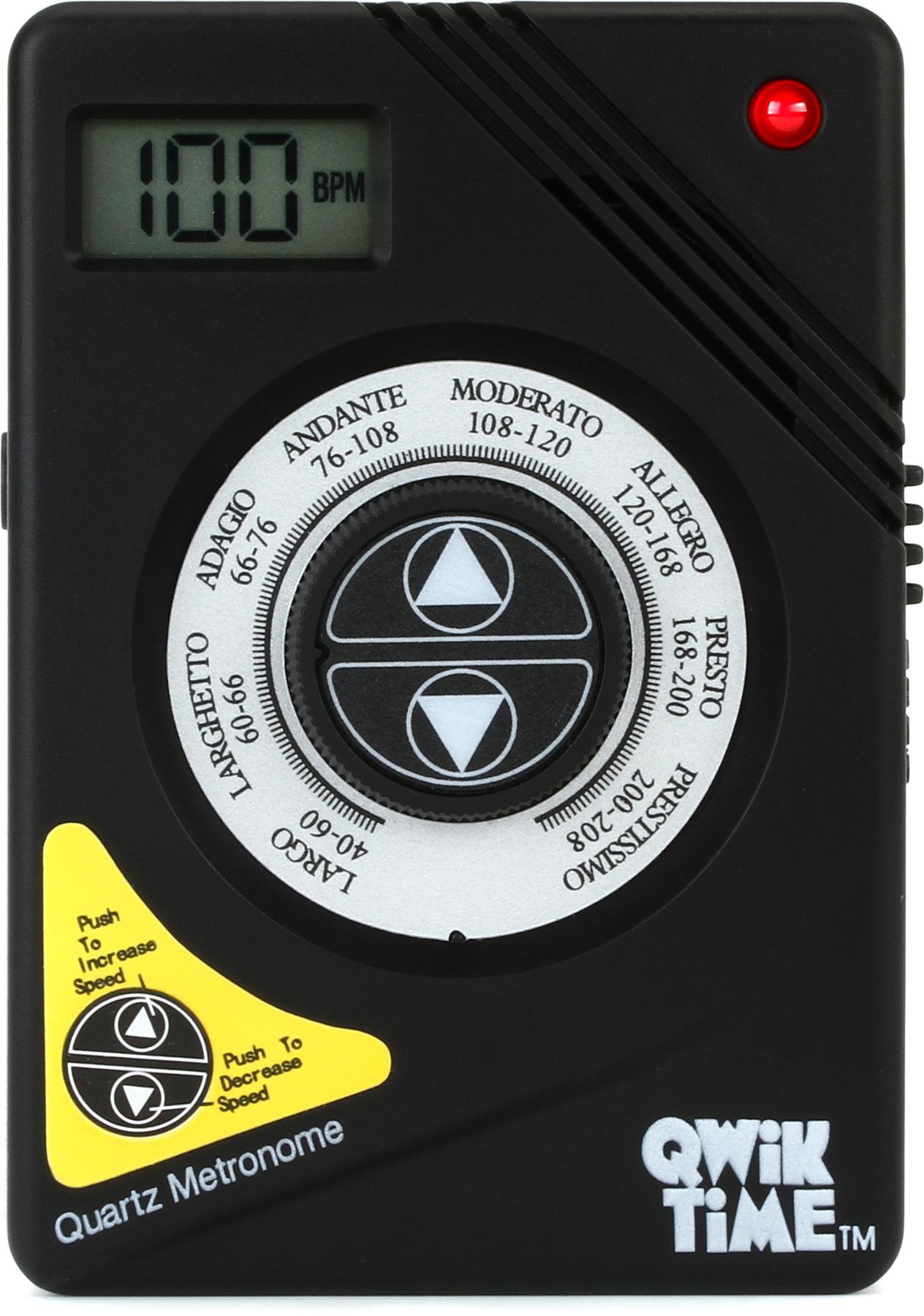
The QT3 Quik Time Metronome is outstanding for guitarists, bassists, keyboard players or anyone who needs a louder "click" than normal. A bonus on the QT3 is the A440 tuning tone that lets you make certain you're in tune AND on tempo!

With powerful performance features, a high-output onboard speaker, and a look that's reminiscent of your favorite mechanical metronome, the Korg KDM-3 is sure to please traditional and modern players alike. A wide tempo range (30–252 bpm), driven by 19 beat patterns and eight metronome sounds, gives guitarists the foundation they need to practice jazz, rock, classical, and Latin music. Tap tempo lets players punch in their preferred playback speed, and LED indicators provide visual feedback for practice.
